 Choozik
 · Practical guide
How to increase a tracked debt without losing repayment history
Increasing a debt adds to its total while keeping the amount already repaid. With an original debt of 1,000 and 200 repaid, adding 150 makes the total 1,150 and the remainder 950.
1. Check the correct debt
Confirm its name and currency. Before the change, the total is 1,000, the amount repaid is 200 and the remainder is 800. This illustrative example excludes interest and fees.
2. Enter the increase, not the new total
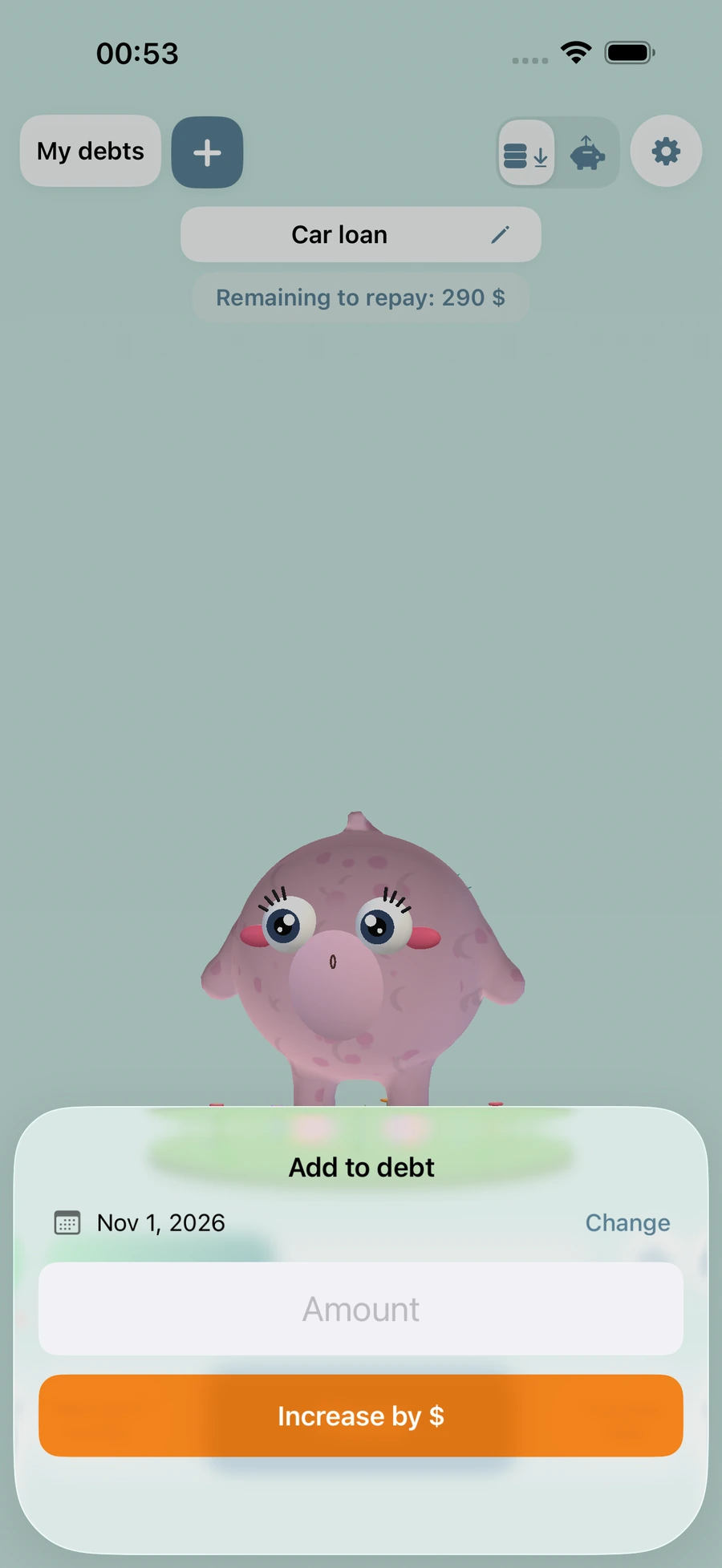
Use the debt increase action and enter 150, the extra amount. Entering 1,150 would add that entire amount to the existing total, rather than set the total to 1,150.
3. Check the new balance
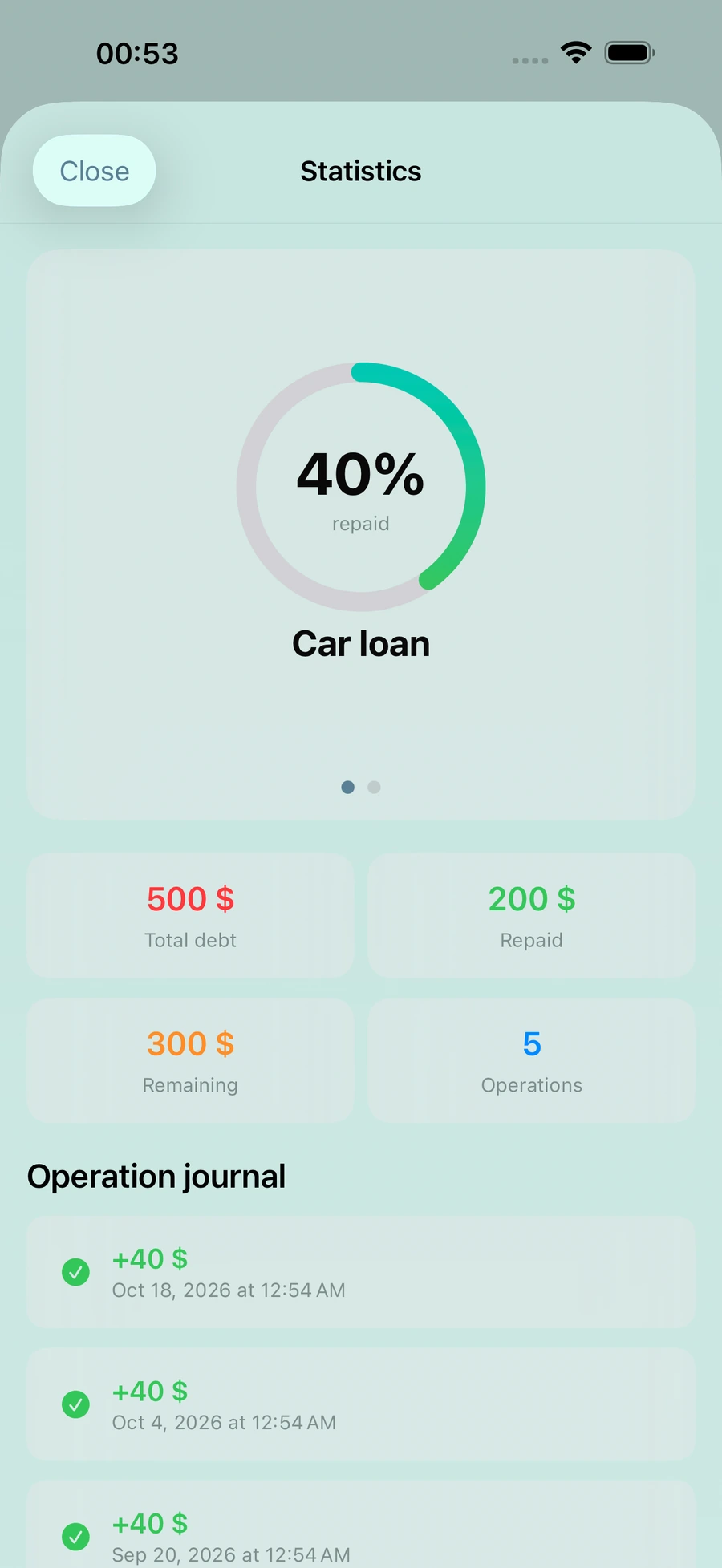
The total becomes 1,150, the 200 already repaid remains recorded, and 950 remains. Progress falls because the total debt grew, not because an earlier payment disappeared.
4. Review the history and actual obligation
The increase is recorded as a separate transaction. Do not enter the earlier repayment again. Check the actual debt, interest and required payments with your lender; Choozik does not retrieve them from a bank.
Before: 1,000 − 200 = 800. Increase by 150: 1,150 − 200 = 950. The amount repaid is still 200.
Increasing a debt neither issues a loan nor transfers money. “Take money back”: Record money taken back from previously recorded repayments. Total debt stays the same.
Transaction screens
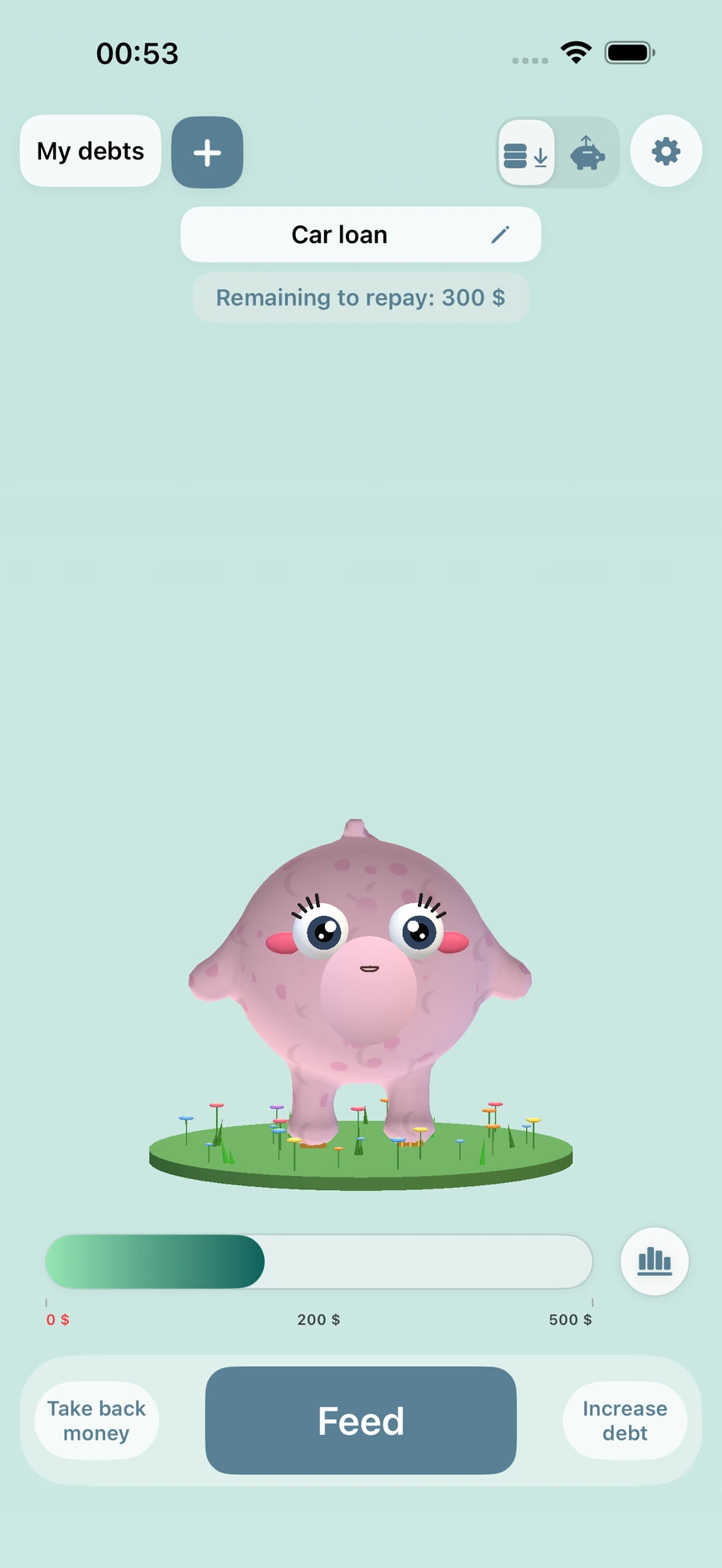
These are real app screens with demonstration data. They illustrate workflow stages; amounts across different screens are not one continuous transaction.