 Choozik
 · Practical guide
How to record a withdrawal from your savings goal
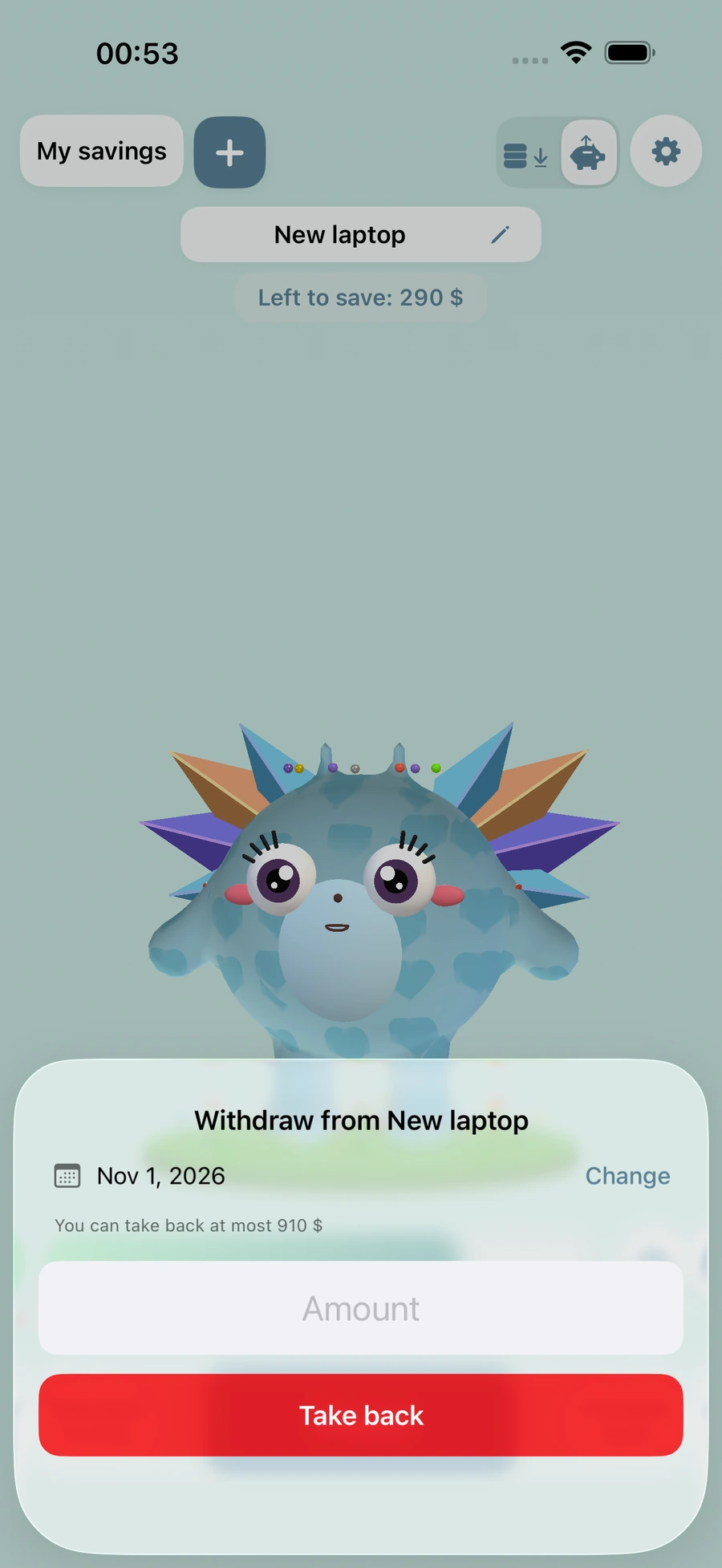
When you take money from savings, record a withdrawal against that goal. A contribution of 250 followed by a withdrawal of 50 leaves 200 saved. For a target of 1,000, you still need 800.
1. Open the correct goal
Check the name and currency of the goal you took money from. If you have multiple goals, an entry in the wrong one distorts both balances. The real withdrawal or money transfer happens outside the app.
2. Record the withdrawal
After taking the money, use the withdrawal action for that savings goal and enter the amount. For this example, record 50. Do not lower the target from 1,000 to 950: the planned purchase has not changed, only your savings have.
3. Check the history and remaining amount
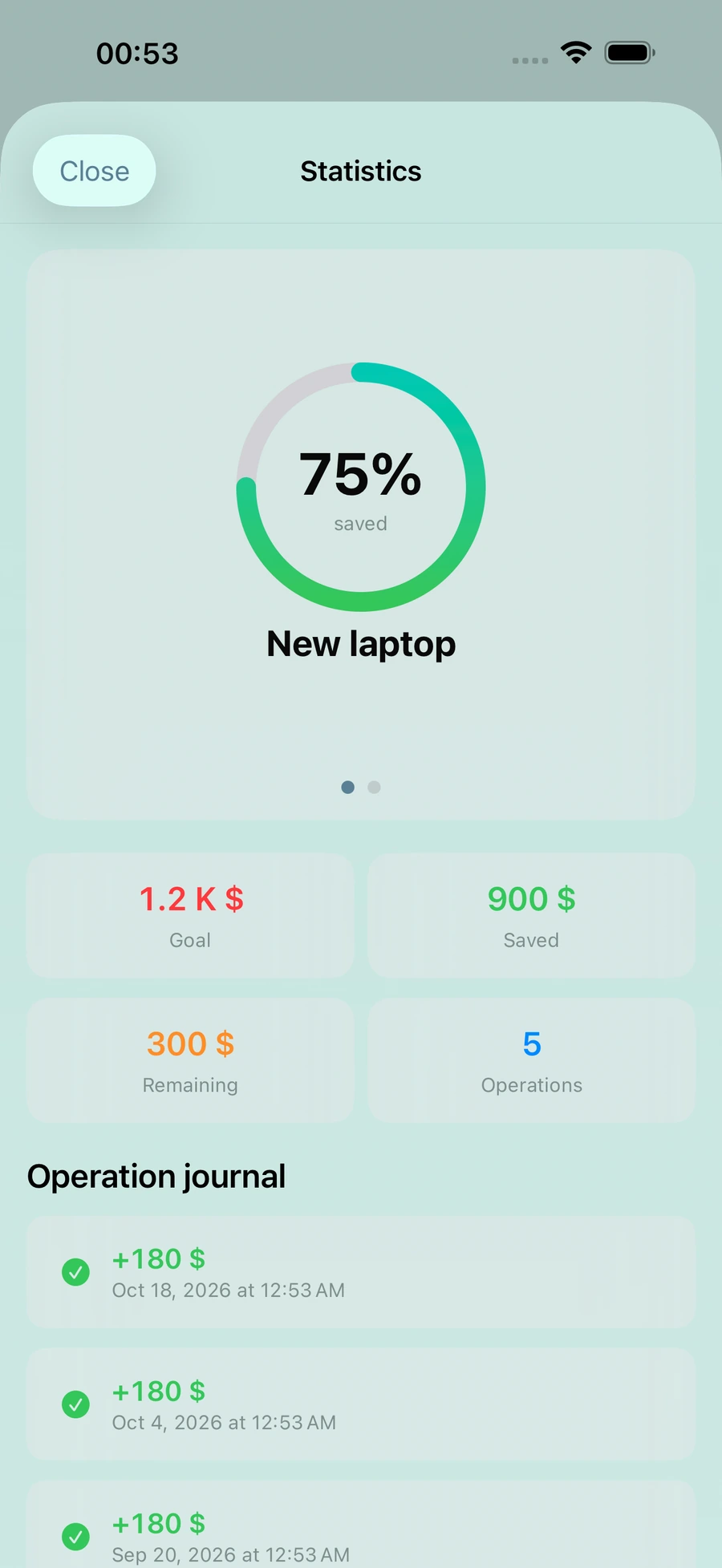
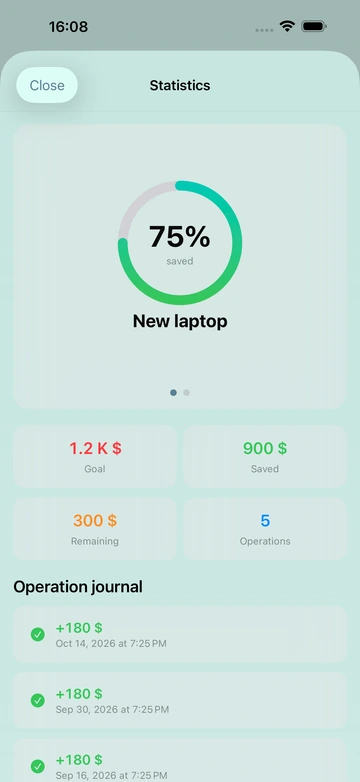
A contribution of 250 and a withdrawal of 50 explain a saved balance of 200. The remaining amount is 800 and progress is 20%. A later contribution of 100 raises the saved amount to 300 and reduces the remainder to 700.
4. Keep the history meaningful
Earlier contributions still explain how you reached the current amount. Review your entries when the result looks unexpected. Record actual changes rather than arbitrary entries to make the progress percentage look better.
Target 1,000. Add 250 → withdraw 50 → saved 200 → remaining 800. Add another 100 → saved 300.
Recording a withdrawal in Choozik does not withdraw money from a bank. The app is a manual tracker, not a savings account.
Transaction screens
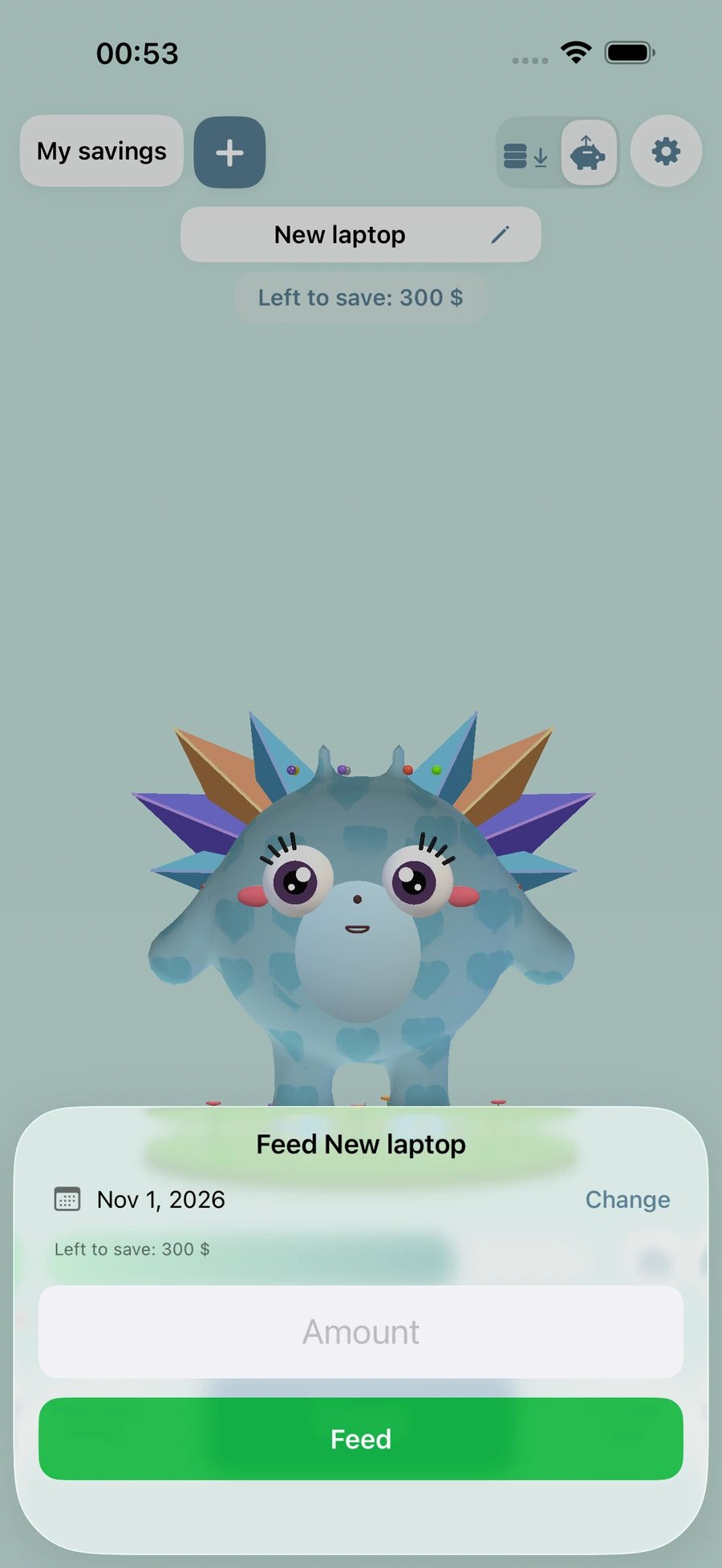
These are real app screens with demonstration data. They illustrate workflow stages; amounts across different screens are not one continuous transaction.