 Choozik
 · Practical guide
How to record partial debt payments on iPhone
Record each payment separately after you pay your friend. If you borrowed $1,000 and paid back $200 and then $150, your history should show two payments. You’ve paid back $350 and still owe $650.
1. Create a record for what you owe
In debt mode, name the record so you can recognize it later, such as “Money I owe Alex.” Set the starting amount to $1,000 in US dollars.
2. Record your first repayment
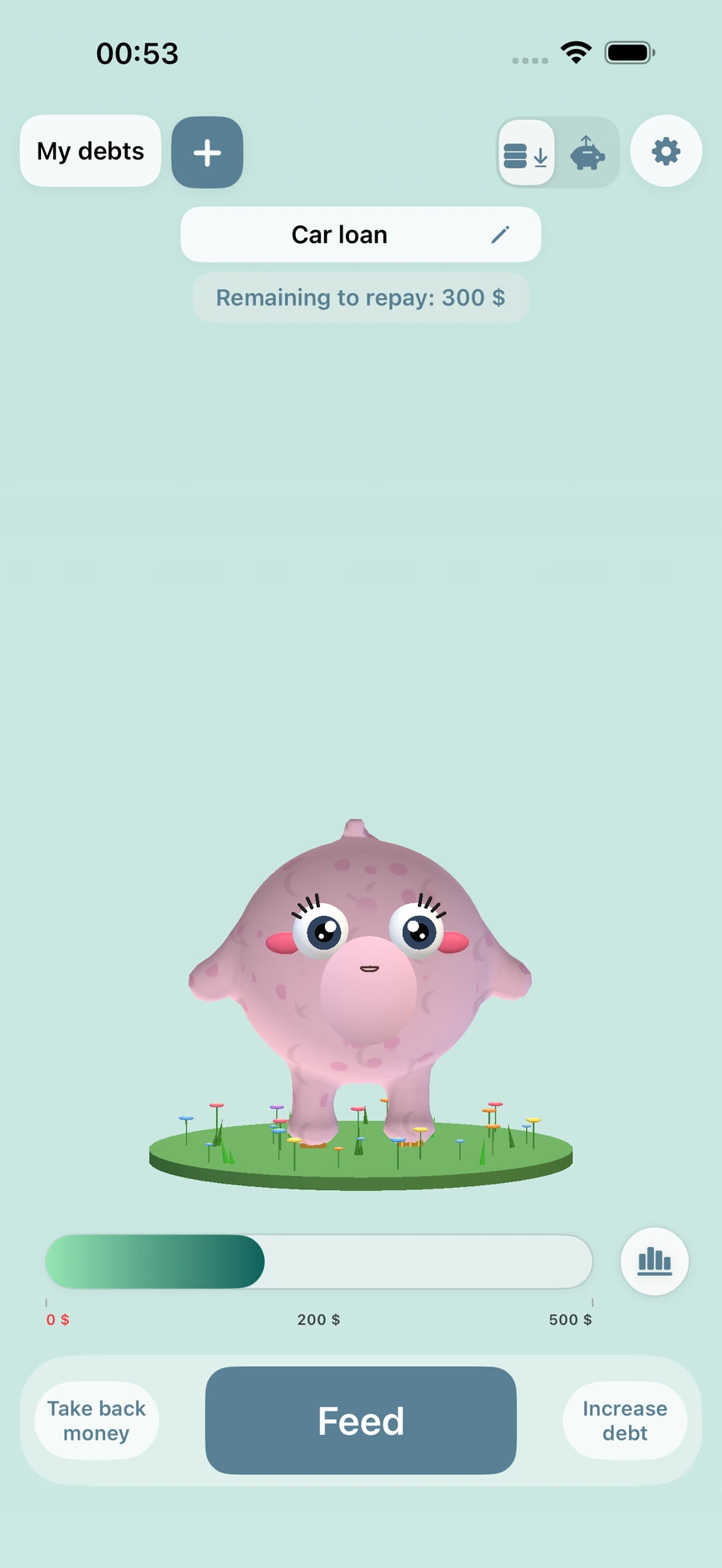
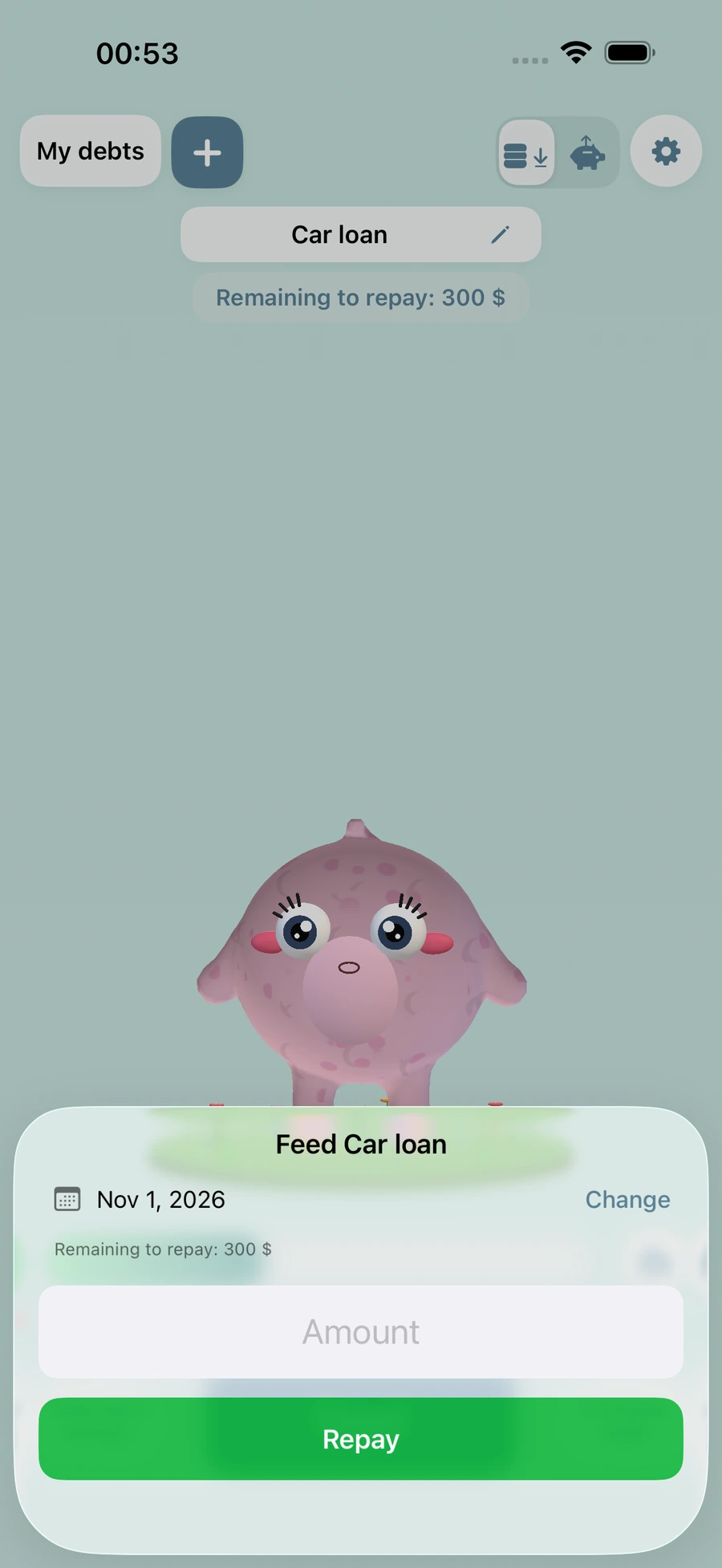
After you pay your friend $200, open the debt in Choozik and tap “Feed.” Enter 200 and save. Choozik shows $200 repaid and $800 remaining.
3. Record your second repayment separately
After you pay another $150, tap “Feed” again and record 150. You should see two entries in the history and $650 left to repay.
4. Compare your history with what you paid
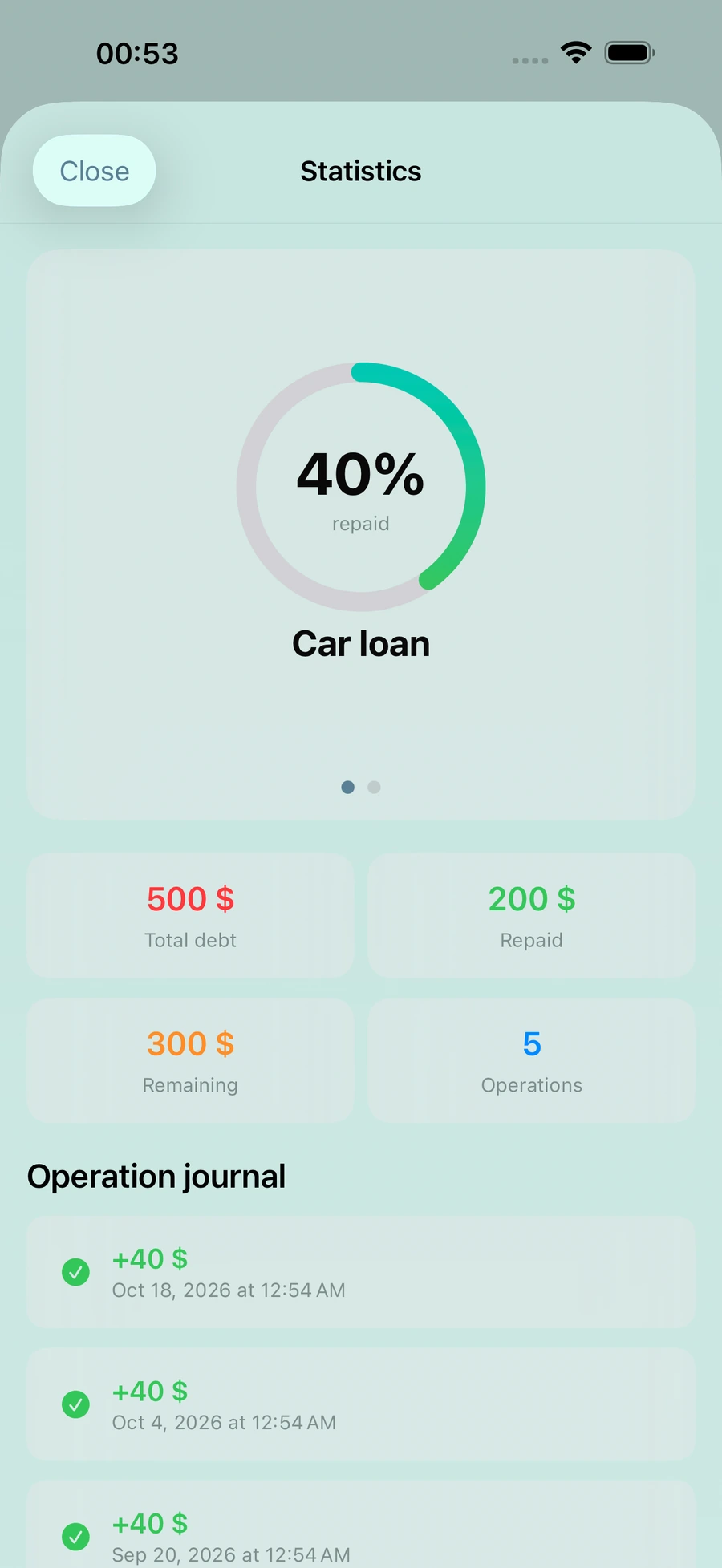
Open the history for that debt and look for the $200 and $150 entries. You can compare the amounts and dates with your receipts or messages with your friend.
$1,000 − $200 − $150 = $650 remaining. The two payments add up to $350, or 35% of the starting debt.
Why does Choozik show $800 instead of $650?
A balance of $800 matches the first $200 repayment alone. If you also paid $150, check whether that second payment appears in the history for the right debt. If it is missing, record it once.
Record repayments after paying your friend outside Choozik. One active debt is free. Multiple active debts require Premium.
Transaction screens
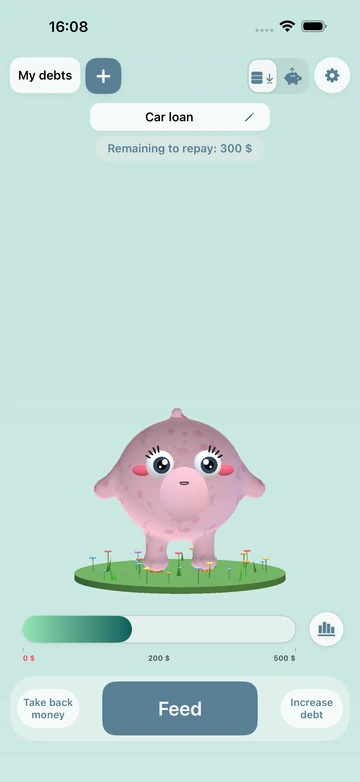
These are real app screens with demonstration data. They illustrate workflow stages; amounts across different screens are not one continuous transaction.