 Choozik
 · Practical guide
How to increase a savings goal without changing the amount saved
Increasing a target changes how much you need, not how much you have saved. With a target of 1,000 and 250 saved, increasing it by 150 makes the target 1,150 and the remainder 900.
1. Check the original goal
Open the correct savings goal and confirm the currency. In this example, the target is 1,000, the amount saved is 250 and 750 remains. You set aside the actual money outside the app.
2. Enter how much to add to the target
Choose the savings target increase action and enter 150, not the new total of 1,150. The app adds the entered amount to the existing target. This does not record a savings contribution.
3. Check the amounts and progress
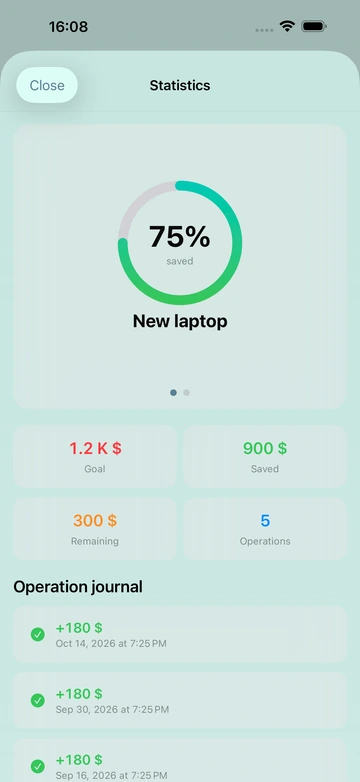
The new target is 1,150. The 250 saved stays the same and 900 remains. Progress falls because the target is larger; your recorded savings have not disappeared.
4. Record the next contribution separately
If you later set aside another 100, record a normal contribution. You will have 350 saved and 800 remaining. A withdrawal is a separate action that reduces the amount saved, not the target.
Target 1,000, saved 250 → increase target by 150 → target 1,150, saved 250, remaining 900 → add 100 → saved 350, remaining 800.
Changing a target does not move money or open a savings account. Do not replace your contribution history with the new target amount.
Transaction screens
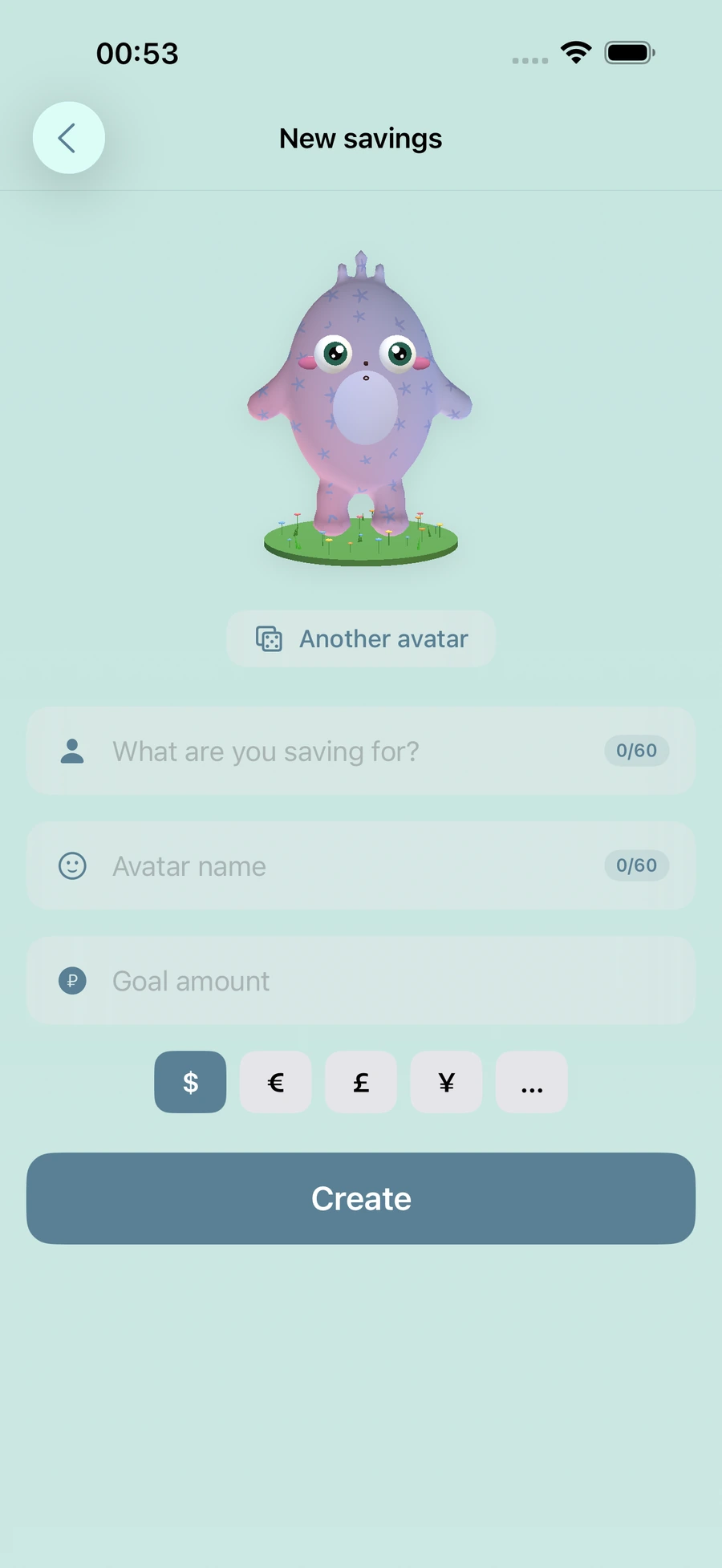
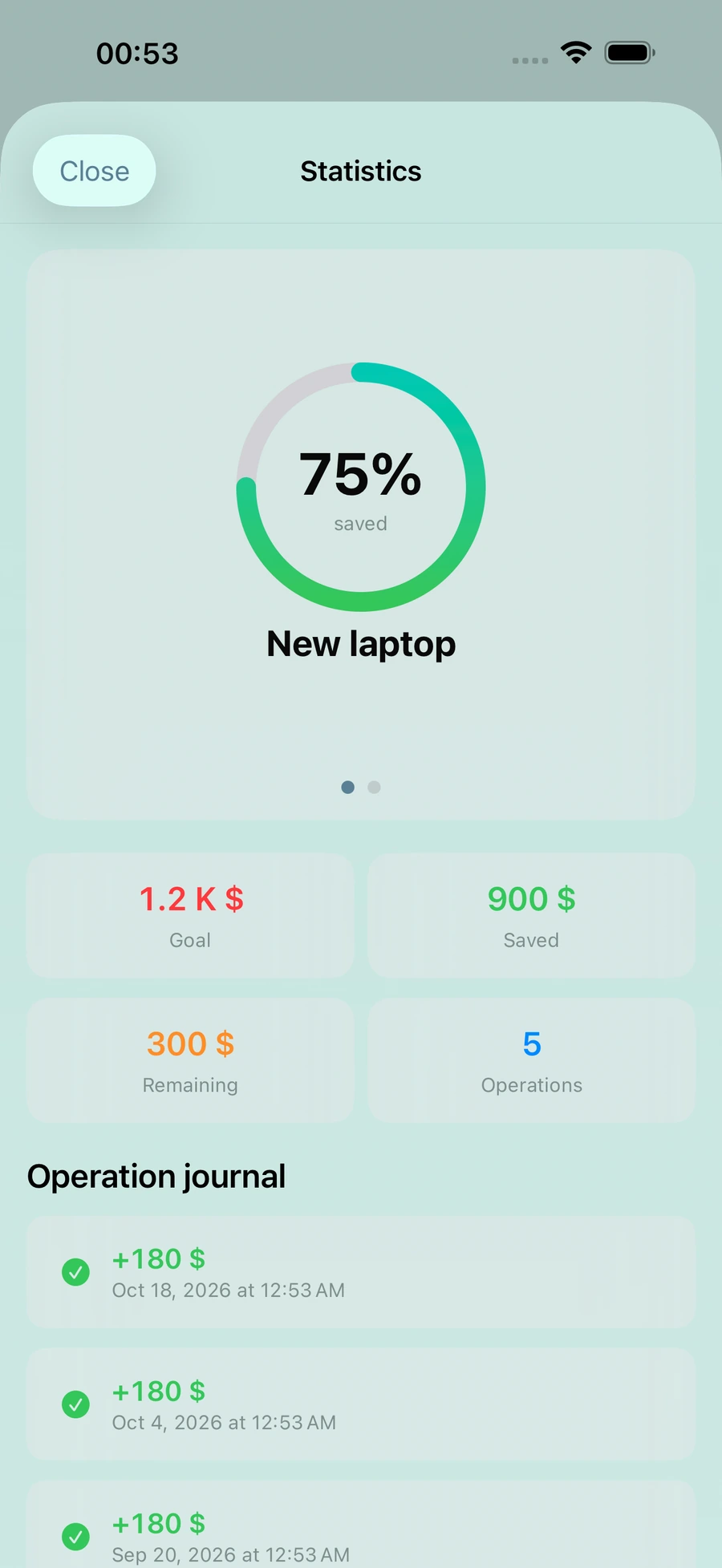
These are real app screens with demonstration data. They illustrate workflow stages; amounts across different screens are not one continuous transaction.