 Choozik
 · Practical guide
How to track multiple savings goals on iPhone
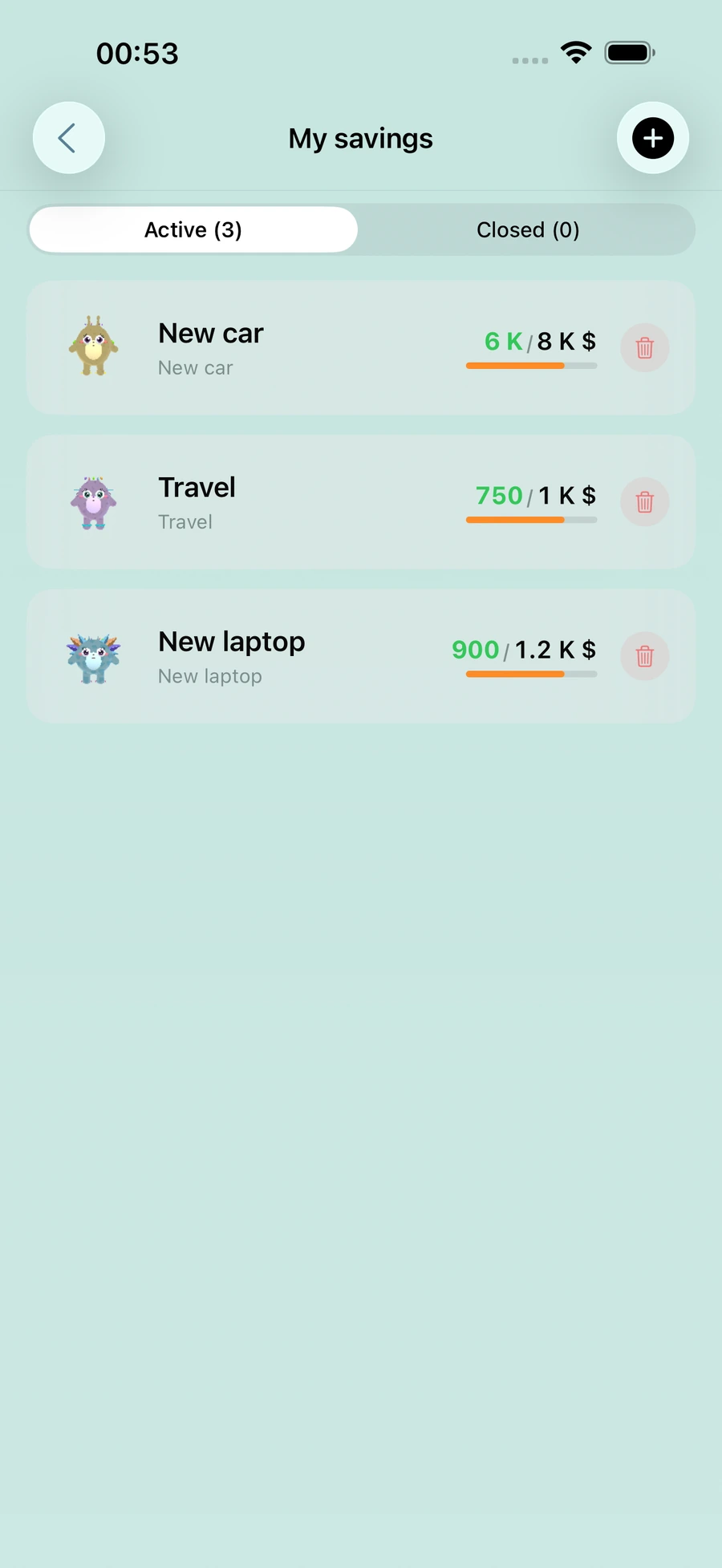
Create one goal per purpose and record only the amount you set aside for it. If you have $500, log $200 for Travel and $300 for Emergency Fund. You can track both goals even if the money is kept in one bank account.
1. Set a target for each goal
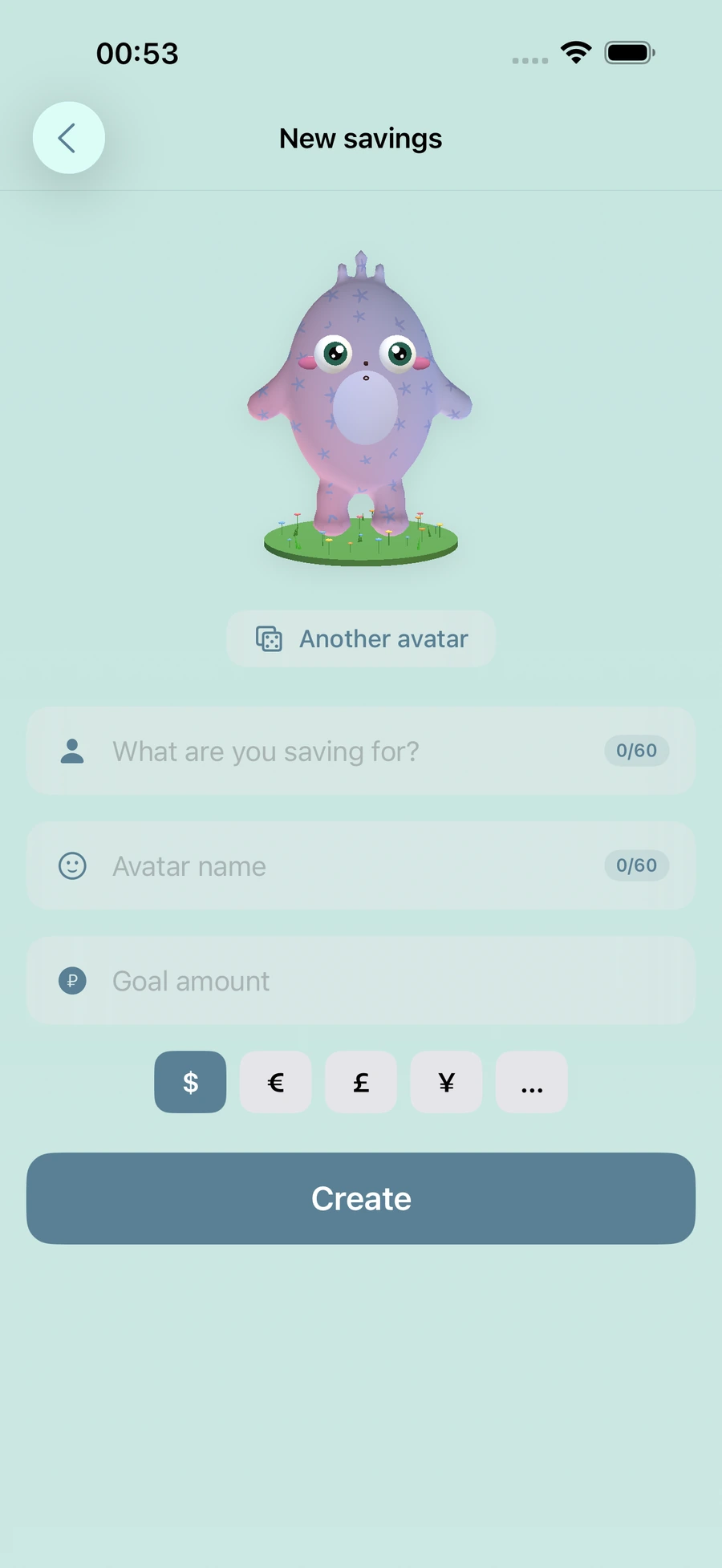
Create a $1,000 Travel goal and a $2,000 Emergency Fund goal in US dollars. One active savings goal is free. Keeping both active requires Premium.
2. Record how you split the $500
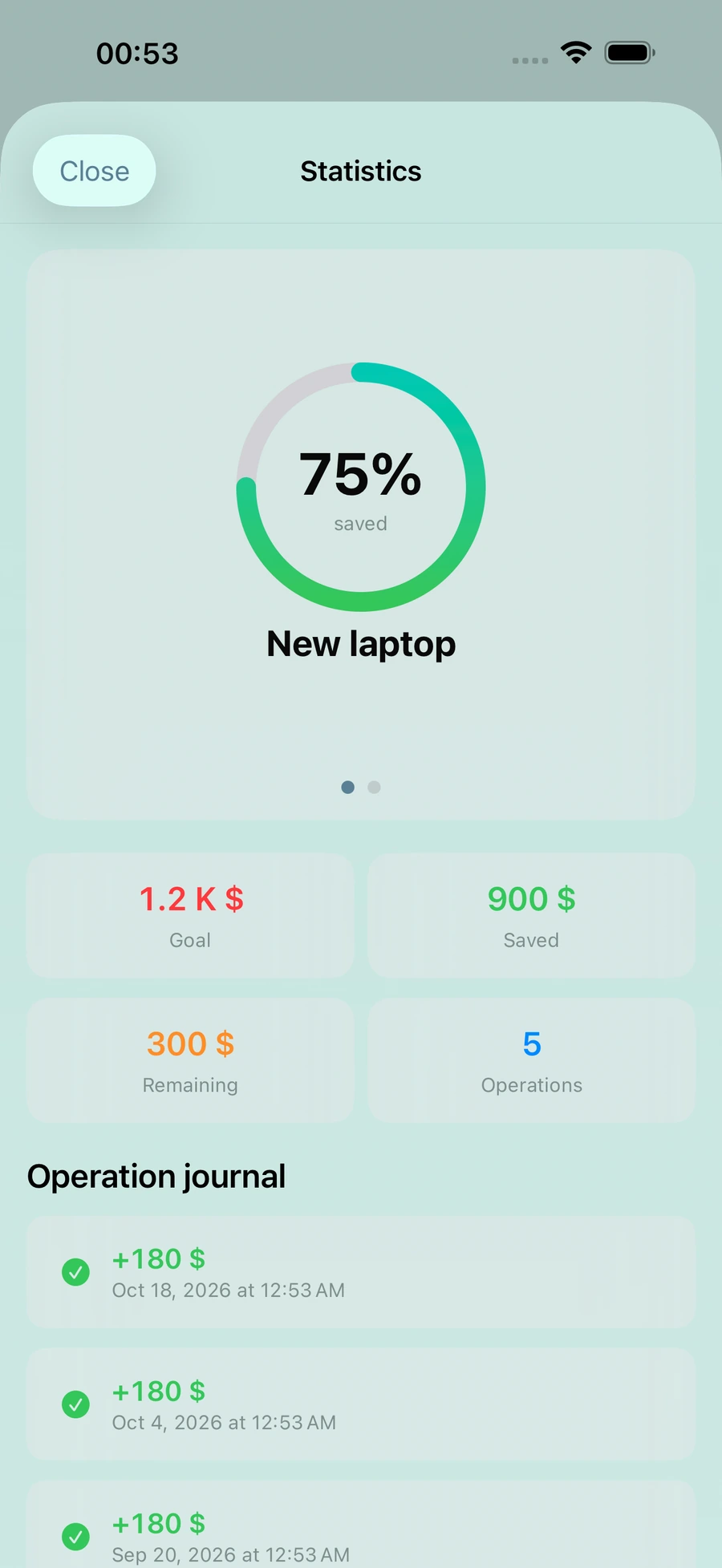
Open Travel and tap “Feed” to record $200. Open Emergency Fund and use the same button to record $300. Each goal has its own history.
3. Check how much each goal still needs
Travel has $200 saved and needs $800 more. Emergency Fund has $300 saved and needs $1,700 more. The two saved amounts add up to the $500 you set aside.
4. Move $50 from Travel to Emergency Fund
If you decide to set that $50 aside for emergencies, use “Take money back” in Travel, then “Feed” in Emergency Fund. Travel falls to $150 and Emergency Fund rises to $350. Your total stays at $500.
Move $50 to another goal → $150 + $350 = $500 saved. Spend $50 → $150 + $300 = $450 saved.
What if you spend the money instead of moving it?
If you spend $50 from Travel, use “Take money back” in that goal. Travel falls from $200 to $150 saved, and your total falls from $500 to $450. Use “Feed” in the other goal only if you actually set that $50 aside for it.
Choozik keeps a manual record of what you set aside. You manage the money itself separately.
Transaction screens
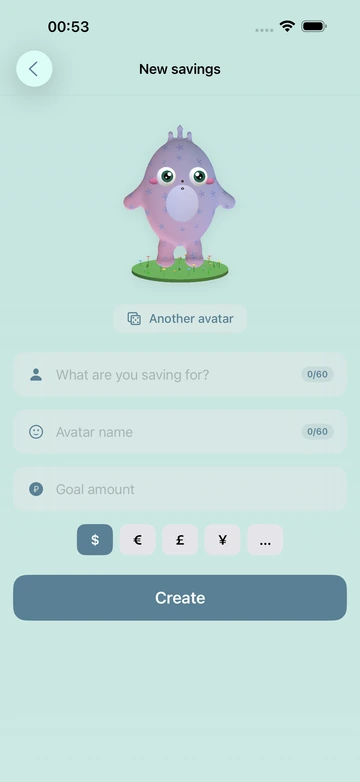
These are real app screens with demonstration data. They illustrate workflow stages; amounts across different screens are not one continuous transaction.